How to access the tracker
- Log in to the course (preferably on your laptop or PC)
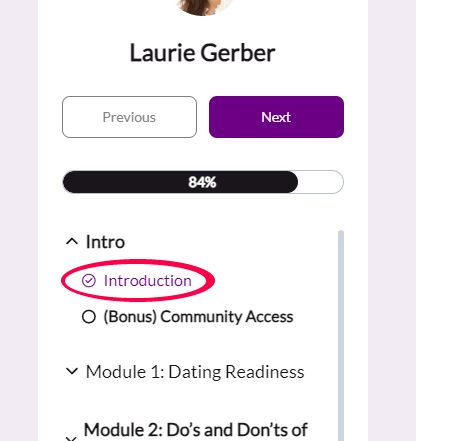
- Go to the very first page in the course, the one in the intro section that's labeled introduction
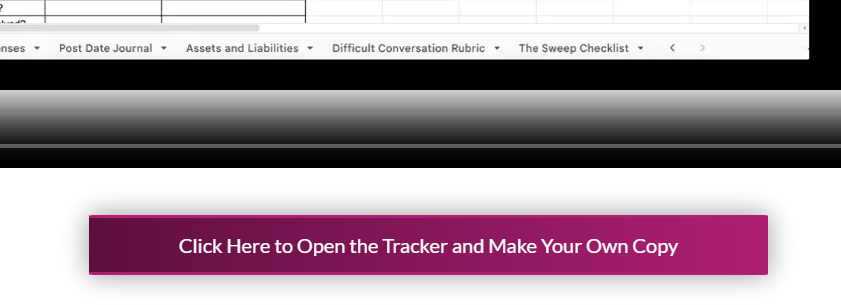
- Scroll down to the bottom of the page, where there's a wide purple button with a link that says "Click Here to Open the Tracker and Make Your Own Copy". Click it!
Yay you did it!